

- By admin
- August 21, 2026
- Comment Off
Choosing the right hosting service is one of the most important decisions you’ll make when creating a website. Website hosting vs WordPress hosting is an important comparison when deciding how quickly, securely, and reliably your business website, blog, online store, or portfolio performs.
Two terms you’ll often come across are website hosting and WordPress hosting. At first glance, they may seem like the same thing. After all, both provide the server space needed to keep your website online. However, there are some important differences in how they are configured, managed, and optimized.
So, what is the difference between website hosting and WordPress hosting? And which one is better for your website?
The answer depends largely on the platform you plan to use, your technical experience, the type of website you’re building, and the level of performance and support you need.
What is Website Hosting?
Website hosting, often called web hosting, is a service that provides the server space and technology required to make a website accessible on the internet.
When you create a website, its files—including images, HTML, CSS, JavaScript, databases, and other resources—need to be stored somewhere. A web hosting company stores these files on its servers and makes them available to visitors whenever they enter your domain name.
For example, when someone types your website address into their browser, the browser connects to your hosting server and requests the website files. The server then delivers those files to the visitor.
There are several types of web hosting available, including:
- Shared hosting
- VPS hosting
- Cloud hosting
- Dedicated hosting
- Managed hosting
- Reseller hosting
Traditional web hosting services are generally designed to support different types of websites and content management systems. You may be able to install WordPress, Joomla, Drupal, or other applications on the same hosting account.
This flexibility makes regular web hosting a popular choice for businesses and individuals who want more control over their hosting environment.
What is WordPress Hosting?
WordPress hosting is web hosting specifically configured and optimized for websites built with WordPress.
WordPress is one of the world’s most widely used content management systems, and WordPress hosting providers design their servers and services around its requirements.
A WordPress hosting package may include features such as:
- WordPress pre-installation
- Automatic WordPress updates
- WordPress-specific security features
- Automatic backups
- Performance optimization
- WordPress staging environments
- Specialized technical support
- Server configurations optimized for WordPress
- Easy plugin and theme management
- Free SSL certificates
The exact features depend on the hosting provider and hosting plan.
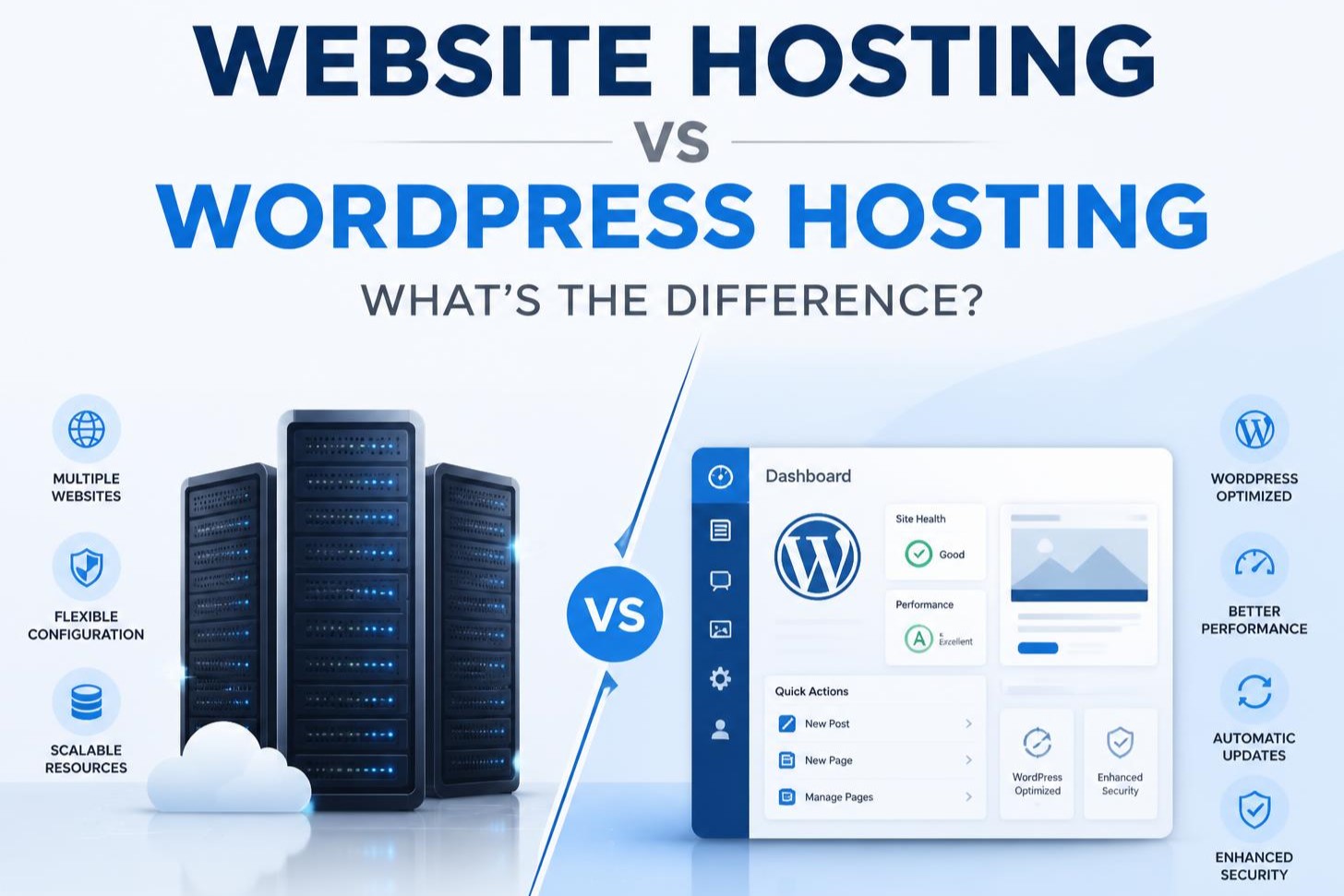
The biggest difference is therefore specialization. Standard web hosting is designed to support many types of websites, while WordPress hosting is designed specifically for WordPress websites.
Web Hosting: 7 Warning Signs Your Website Needs Better Hosting
Website Hosting vs WordPress Hosting: The Main Difference
The easiest way to understand the difference is to think about flexibility versus specialization.
Website hosting gives you a general hosting environment where you can run different applications and website platforms.
WordPress hosting provides an environment specifically optimized for WordPress.
For someone who has already decided to build a WordPress website, WordPress hosting can offer a simpler and more convenient experience. On the other hand, if you want flexibility or plan to host websites using different platforms, traditional web hosting may be more suitable.
Neither option is automatically better for everyone.
Performance and Website Speed
Website speed is an important factor for both user experience and SEO.
A slow website can frustrate visitors, increase bounce rates, and make it harder for users to interact with your pages. It can also affect how search engines evaluate your website’s overall experience.
WordPress hosting is often optimized specifically for WordPress. Depending on the provider, this may include server-level caching, optimized PHP configurations, database optimization, CDN integration, and other WordPress-specific performance features.
Traditional web hosting can also deliver excellent performance, particularly when you choose a quality provider and configure your website correctly.
However, WordPress hosting can make optimization easier because many technical settings may already be configured for WordPress.
If website performance is one of your priorities, don’t simply compare hosting prices. Look at server resources, storage, caching, CDN support, uptime, data center locations, and the hosting provider’s performance technology.
Security Differences
Website security is another important consideration.
Any website can face security risks, regardless of the hosting type. Common threats include malware, brute-force attacks, outdated software, vulnerable plugins, weak passwords, and unauthorized access.
With standard web hosting, you may be responsible for managing many aspects of your website’s security yourself. The hosting provider may provide basic security tools, but the exact responsibilities depend on the hosting package.
Managed WordPress hosting can provide additional WordPress-specific security features. These may include malware scanning, automated updates, firewall protection, login protection, vulnerability monitoring, and automatic backups.
However, WordPress hosting does not make a website automatically secure.
Website owners still need to use strong passwords, keep WordPress and plugins updated, remove unused plugins and themes, use SSL, and follow good website security practices.
Ease of Use
For beginners, ease of use can be one of the biggest advantages of WordPress hosting.
A traditional web hosting account may provide a control panel such as cPanel or another hosting management interface. From there, you may need to install WordPress, configure a database, set up SSL, manage files, and handle other technical tasks.
With WordPress hosting, many of these processes may be simplified.
Some providers offer one-click WordPress installation, automatic updates, staging tools, WordPress dashboards, automated backups, and specialized support.
This can save time, particularly if you’re not comfortable managing server configurations.
WordPress Hosting and Managed WordPress Hosting Are Not Always the Same
It’s important to understand that WordPress hosting and managed WordPress hosting can mean different things.
A basic WordPress hosting plan may simply provide hosting that is optimized or marketed for WordPress.
Managed WordPress hosting generally includes a higher level of technical management.
Depending on the provider, managed hosting may include:
- WordPress updates
- Security monitoring
- Automated backups
- Performance optimization
- Staging websites
- WordPress-specific support
- Technical maintenance
Managed WordPress hosting is generally aimed at website owners who want to spend less time dealing with technical hosting tasks.
Which is More Affordable?
Price is often one of the first things people consider when choosing hosting.
Basic shared web hosting can be very affordable, making it attractive to beginners, bloggers, startups, and small businesses.
WordPress hosting can also be inexpensive, but managed WordPress hosting usually costs more because it includes additional services and optimization.
When comparing hosting prices, don’t look only at the introductory price. Check the renewal price as well.
You should also compare:
- Storage
- Bandwidth
- Number of websites allowed
- Free SSL
- Backups
- Email accounts
- CDN access
- Customer support
- Server resources
- Migration services
- Renewal pricing
A cheap hosting plan isn’t necessarily the best hosting plan if your website outgrows its resources quickly.
Which Hosting is Better for SEO?
Neither hosting type automatically guarantees better Google rankings.
However, your hosting environment can influence factors that matter for SEO, particularly website speed, uptime, security, and overall user experience.
A good hosting provider can help your website load quickly and remain available to visitors.
For a WordPress website, a properly optimized WordPress hosting environment can make it easier to achieve strong performance.
That said, SEO hosting isn’t a replacement for proper search engine optimization. You still need high-quality content, good keyword targeting, technical SEO, mobile optimization, internal linking, backlinks, and a positive user experience.
Hosting provides the foundation; your SEO strategy builds on it.
Website Hosting vs WordPress Hosting for Small Businesses
Small businesses often have different requirements from large websites.
If you’re running a simple company website with a few pages, a blog, contact forms, and service pages, affordable web hosting may be more than enough.
If your entire website is built with WordPress and you don’t want to deal with technical server management, WordPress hosting can be a convenient option.
For businesses that rely heavily on their website for leads or sales, performance and reliability should be more important than choosing the cheapest plan.
A few extra dollars per month can be worthwhile if the hosting provides better performance, backups, security, support, and scalability.
Shared vs VPS vs Cloud Hosting: Which Is Right for Your Website?
What about WooCommerce Websites?
If you’re planning to run an online store using WooCommerce, hosting becomes even more important.
WooCommerce websites typically require more resources than simple informational websites because they may include product databases, shopping carts, customer accounts, payment systems, order processing, and dynamic pages.
A WordPress hosting provider with WooCommerce optimization can be a good choice for an online store.
However, you should check whether the hosting plan actually provides sufficient CPU, RAM, database performance, storage, backups, and scalability.
For a growing ecommerce website, entry-level shared hosting may eventually become restrictive.
Website Hosting vs WordPress Hosting: Which One Should You Choose?
The right option depends on your website and technical requirements.
Choose standard website hosting if:
- You want a flexible hosting environment.
- You may use platforms other than WordPress.
- You want to host different types of websites.
- You are comfortable managing your website yourself.
- You want more control over your hosting environment.
- You are looking for an affordable hosting solution.
Choose WordPress hosting if:
- Your website is built entirely with WordPress.
- You want WordPress-specific optimization.
- You prefer easier WordPress management.
- You want WordPress-focused technical support.
- You want features such as automatic backups and updates.
- You don’t want to spend much time managing server settings.
Choose managed WordPress hosting if:
- Your business depends heavily on your website.
- You want professional technical management.
- Website speed and reliability are important.
- You don’t want to handle routine WordPress maintenance.
- You need staging, backups, security monitoring, and WordPress-specific support.
Final Thoughts
The difference between website hosting and WordPress hosting mainly comes down to flexibility and specialization.
Traditional web hosting provides a general-purpose environment suitable for different website platforms and applications. WordPress hosting, on the other hand, is specifically designed to make hosting and managing WordPress websites easier and, in many cases, faster and more secure.
If you’re building a WordPress website and want a simple, optimized environment, WordPress hosting can be an excellent choice. If you need flexibility, greater control, or plan to use different platforms, traditional web hosting may be more appropriate.
The most important thing is to choose a reliable hosting provider with good performance, strong security, dependable support, regular backups, and enough resources for your current needs and future growth.