

- By admin
- August 21, 2026
- Comment Off
Your website can have great content, a professional design, strong SEO, and an excellent marketing strategy, but if your web hosting isn’t reliable enough, all of that hard work can suffer.
A slow website can frustrate visitors. Frequent downtime can cost you customers. Poor server performance can make WordPress websites difficult to manage, while limited hosting resources can prevent your website from handling traffic growth.
Many businesses don’t think about their website hosting provider until something goes wrong. But there are usually warning signs that your current hosting plan is no longer suitable for your website.
If your website is consistently slow, experiencing downtime, showing server errors, or struggling during traffic spikes, it may be time to consider better hosting.
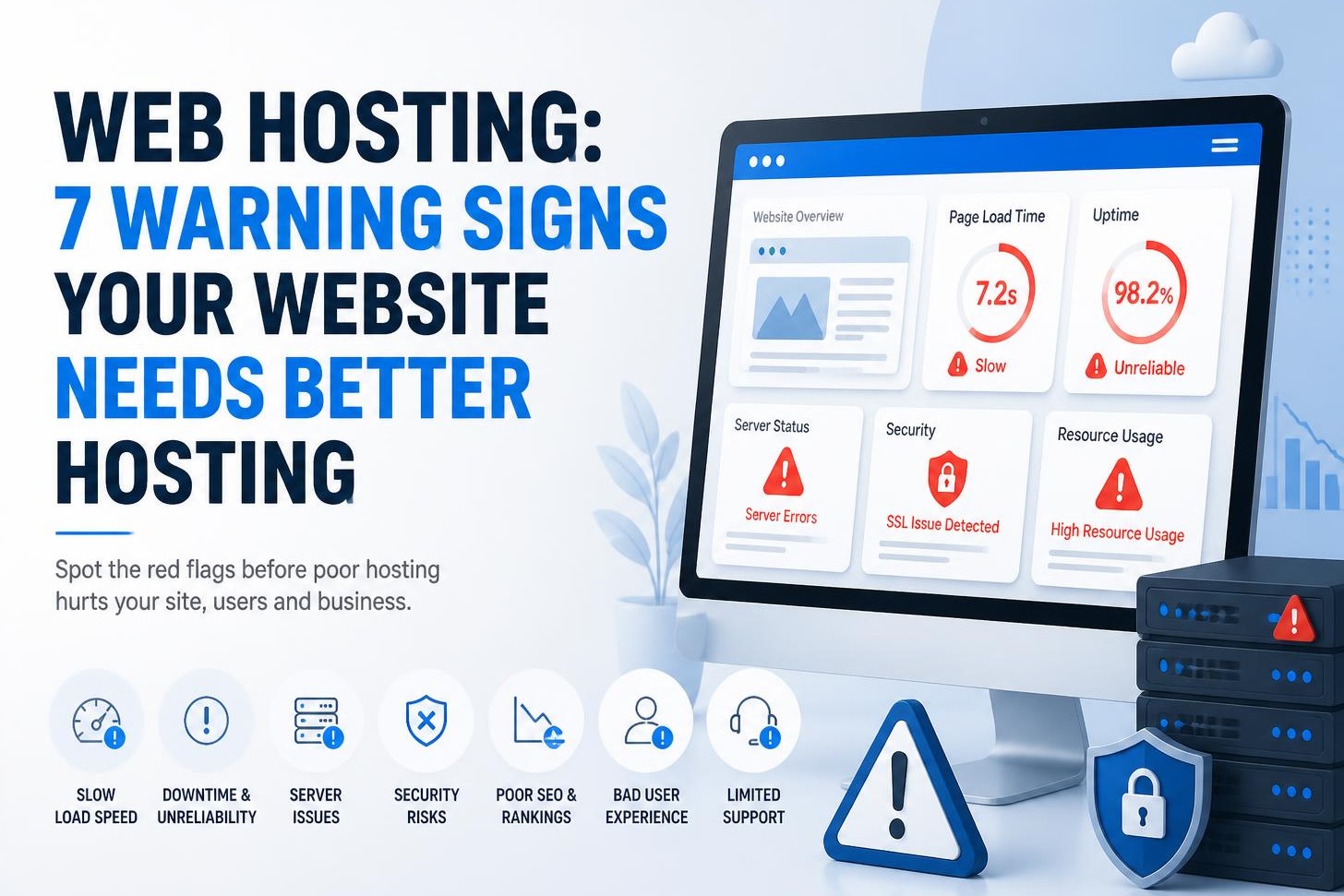
In this guide, we’ll look at 7 warning signs your website needs better hosting, what they mean, and what you should look for when choosing a new web hosting service.
What is Web Hosting?
Before looking at the warning signs, it’s important to understand what web hosting actually does.
Web hosting is a service that provides the server space and resources required to store and deliver your website to visitors.
Your website contains files such as:
- HTML
- CSS
- JavaScript
- Images
- Videos
- WordPress files
- Plugins
- Themes
- Databases
These files are stored on a web server. When someone enters your domain name into their browser, the hosting server processes the request and sends the necessary website files to the visitor.
In simple terms:
- Domain name = Your website’s address
- Web hosting = The server space where your website lives
Good hosting helps your website remain fast, secure, reliable, and accessible.
But not every hosting plan provides the same level of performance.
1. Your Website is Consistently Slow
One of the clearest signs that you may need better hosting is consistently poor website speed.
A website can become slow for many reasons. Large images, excessive plugins, poorly optimized code, third-party scripts, and database problems can all contribute to slow loading.
However, web hosting performance can also be a major factor.
If your website is properly optimized but still takes too long to respond, your hosting environment could be limiting its performance.
Signs of hosting-related performance problems include:
- Slow server response times
- Long Time to First Byte (TTFB)
- Pages loading slowly even after optimization
- Slow WordPress admin dashboard
- Delays when saving website changes
- Slow database queries
- Performance getting worse as traffic increases
A faster hosting environment can provide better server resources and improve the overall responsiveness of your website.
However, moving to better hosting isn’t a magic solution for every slow website. Before upgrading, check your images, plugins, themes, caching, database, and other performance factors as well.
2. Your Website Experiences Frequent Downtime
A website that regularly goes offline is a serious problem for any business.
Imagine a potential customer searching for your services and finding your website unavailable.
They may simply leave and choose another company.
Website uptime is therefore an important factor when evaluating a hosting provider.
Occasional technical issues can happen to any hosting infrastructure, but repeated downtime shouldn’t be ignored.
You should pay attention if:
- Your website frequently becomes unavailable
- Your hosting server experiences repeated outages
- Your website goes offline during busy periods
- You receive frequent server error messages
- Your hosting provider doesn’t communicate clearly about outages
Look for a reliable web hosting provider with a strong infrastructure, monitoring, security measures, and a clear approach to handling technical problems.
When comparing hosting companies, don’t simply believe an uptime number shown on a sales page. Look at the provider’s reputation, support quality, infrastructure, and real-world customer experiences.
3. Your Website Crashes When Traffic Increases
Growing traffic is a good thing.
It means more people are discovering your business.
But if your website crashes whenever traffic increases, your hosting plan may not have enough resources or scalability.
This can happen when a website receives traffic from:
- Marketing campaigns
- Social media
- Search engine rankings
- Product launches
- Seasonal promotions
- News coverage
- Advertising campaigns
A small shared hosting plan might work perfectly when your website has a few hundred visitors, but it may struggle as your audience grows.
This doesn’t necessarily mean you immediately need a dedicated server.
Depending on your requirements, you could consider:
- Upgrading your shared hosting plan
- VPS hosting
- Cloud hosting
- Managed WordPress hosting
- Dedicated hosting
The right choice depends on your traffic, website technology, resource requirements, budget, and technical expertise.
4. You’re Constantly Hitting Hosting Resource Limits
Every hosting plan has limits.
These can include:
- CPU usage
- RAM
- Storage
- Bandwidth
- Inodes
- Database resources
- Concurrent processes
- PHP workers
If your website regularly reaches these limits, you may start experiencing performance problems or temporary restrictions.
Your hosting control panel may show warnings about excessive resource usage. You might also receive messages from your hosting provider informing you that your website is using too many server resources. If this happens frequently, it’s worth investigating why.
Sometimes optimization can solve the problem. For example, reducing unnecessary plugins, optimizing images, implementing caching, or cleaning the database may reduce resource consumption.
But if your website has genuinely outgrown its current hosting environment, upgrading to a more suitable hosting plan may be the better long-term solution.
5. Your WordPress Admin Dashboard Is Extremely Slow
If you’re running WordPress, don’t only look at the speed of the public website. Pay attention to your WordPress dashboard too.
If the admin area is consistently slow, it can make even simple tasks frustrating.
For example:
- Opening the dashboard takes a long time
- Posts take a long time to save
- Plugins take a long time to update
- Media uploads are slow
- WooCommerce pages take too long to load
- Database-related tasks are sluggish
There are several possible causes.
Your WordPress plugins, theme, database, PHP version, third-party services, or website configuration could be responsible.
But the WordPress hosting environment can also affect backend performance.
If you’ve already optimized your WordPress website and the dashboard remains consistently slow, it’s worth discussing the issue with your hosting provider or testing the site in a better hosting environment.
6. Your Hosting Support isn’t Helpful When Something Goes Wrong
Hosting isn’t only about server specifications. Customer support matters. When your website goes down at an inconvenient time, you need to know that someone can help you investigate the problem.
Poor hosting support can turn a small technical issue into a major headache.
Warning signs include:
- Very slow support responses
- Repeatedly receiving generic answers
- Support refusing to investigate server problems
- Difficulty reaching technical staff
- Poor communication during outages
- No useful documentation
- Lack of support for your hosting environment
For a business website, reliable technical support can be extremely valuable.
Before choosing a new web hosting provider, find out what type of support is included.
Check whether they offer:
- 24/7 support
- Live chat
- Ticket support
- Phone support
- Technical documentation
- Managed services
- WordPress-specific support
Don’t assume that every hosting company offers the same level of assistance.
7. Your Hosting Plan No Longer Matches Your Business Needs
Your website may have started small.
Perhaps you initially created a simple five-page business website with basic hosting.
But your business has grown.
Now you may have:
- More website visitors
- More pages
- More images
- An online store
- More customer accounts
- Booking functionality
- More plugins
- More marketing campaigns
- More database activity
Your original hosting plan may no longer be appropriate.
This is one of the most common reasons businesses eventually need to upgrade their website hosting.
Instead of asking:
“What is the cheapest hosting plan?”
ask:
“What hosting environment can reliably support my website today and as it grows?”
The best hosting solution isn’t necessarily the most expensive one. It’s the one that provides the right balance of performance, reliability, security, resources, support, and scalability.
What Should You Look for in Better Web Hosting?
If you decide your current hosting isn’t sufficient, don’t choose your next provider based solely on price.
Look for:
1. Reliable performance
Your hosting should provide sufficient resources for your website’s current traffic and workload.
2. Good uptime
A business website needs to remain accessible consistently.
3. Strong security
Look for features such as:
- SSL support
- Firewalls
- Malware scanning
- DDoS protection
- Secure account management
- Regular security updates
4. Automatic backups
Reliable website backups can help protect your business from data loss, hacking, accidental changes, and technical failures.
5. Scalability
Your hosting should allow you to upgrade resources as your website grows.
6. Quality customer support
Fast, knowledgeable support can make a significant difference when technical problems occur.
7. Suitable server resources
Look beyond storage and bandwidth. CPU, RAM, PHP workers, database performance, and other server resources can affect real-world website performance.
Final Thoughts
Your web hosting environment is the foundation that keeps your website running.
If your website is constantly slow, regularly offline, crashing during traffic spikes, hitting resource limits, or receiving poor technical support, it may be time to reconsider your current hosting solution.
The right web hosting service can provide the performance, security, reliability, and scalability your website needs as your business grows.
But before changing providers, investigate the actual cause of your problems. Website optimization, caching, plugin management, database cleanup, and image optimization may solve some issues without requiring a hosting upgrade.
If the hosting environment is genuinely holding your website back, however, upgrading to a more suitable solution—whether that’s better shared hosting, VPS hosting, cloud hosting, dedicated hosting, or managed WordPress hosting—can make a significant difference.
The goal isn’t simply to find better hosting. It’s to find hosting that is right for your website, your visitors, and your business goals.