

- By admin
- August 28, 2026
- Comment Off
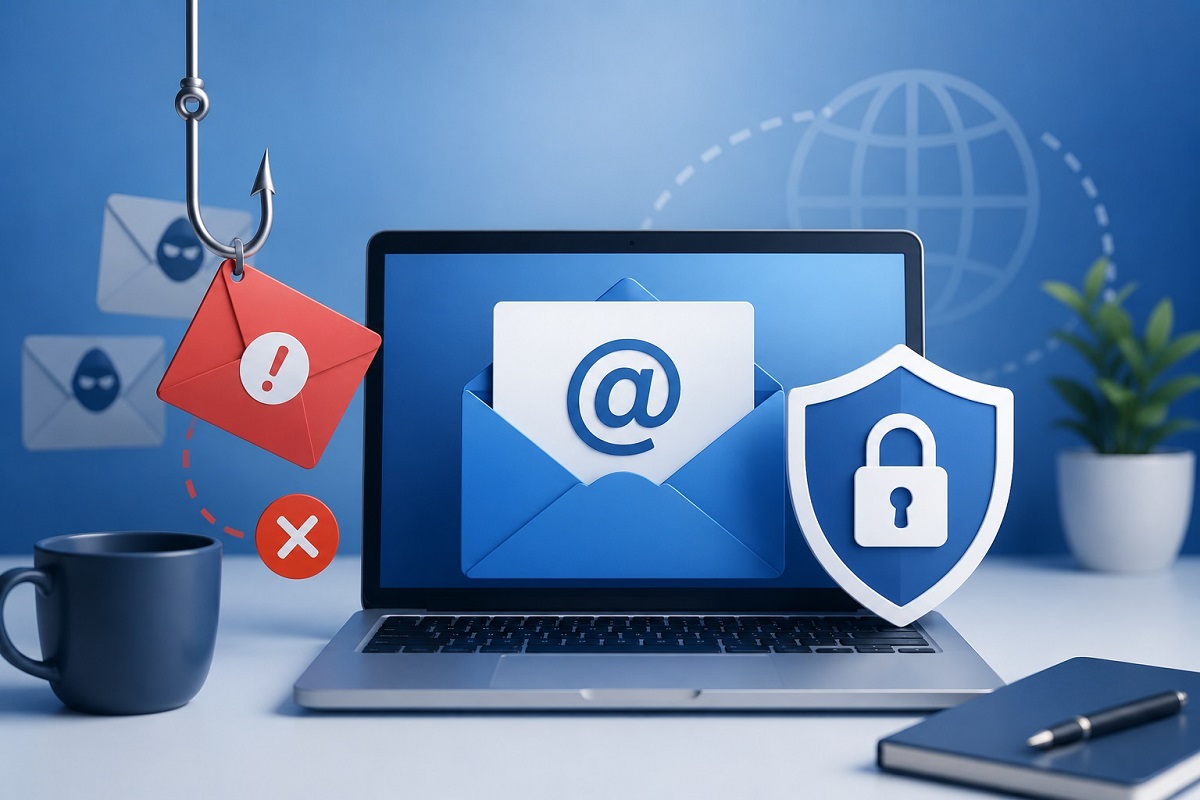
Email is one of the most important communication channels for modern businesses. Companies use email every day to communicate with customers, employees, suppliers, partners and service providers. However, because email is so widely used, it is also a common target for cybercriminals. Email phishing is one of the most common threats, where attackers use deceptive messages to trick recipients into revealing sensitive information or clicking malicious links.
Two of the most common threats businesses face are email phishing and email spoofing.
A successful phishing attack can trick an employee into revealing a password, opening a malicious attachment or visiting a fraudulent website. Email spoofing can make a fraudulent message appear to come from a trusted person, company or domain.
The good news is that businesses can take several practical steps to improve business email security and reduce the risk of these attacks.
From employee awareness and strong passwords to email authentication technologies such as SPF, DKIM and DMARC, a layered approach can make business email significantly safer.
What is Email Phishing?
Email phishing is a type of cyberattack in which criminals send deceptive messages designed to trick recipients into taking a specific action.
The attacker may pretend to be:
- A company director
- A customer
- A bank
- A supplier
- A colleague
- A delivery company
- A technology provider
- A government organization
The email may ask the recipient to click a link, download a file, provide login credentials or transfer money.
For example, an employee might receive an email appearing to come from their manager requesting an urgent payment. The message may look genuine, but the sender could actually be an attacker.
This is why phishing protection should be an important part of every company’s cybersecurity strategy.
What is Email Spoofing?
Email spoofing occurs when an attacker manipulates email information to make a message appear to come from another sender.
For example, a fraudulent email might appear to come from:
even though the message was actually sent by someone who does not control that address.
Spoofing can be particularly dangerous because employees and customers may trust familiar names and domains.
Email spoofing is often used alongside phishing attacks, business email compromise and other forms of fraud.
Phishing vs Spoofing: What’s the Difference?
Although phishing and spoofing are related, they are not the same. Phishing focuses on deceiving the recipient into acting. Spoofing focuses on disguising the identity of the sender or another part of the communication. An attacker can use spoofing to make a phishing email appear more convincing.
Understanding both threats is an important first step toward improving business email protection.
1. Use a Professional Business Email Service
The foundation of good email security starts with choosing a reliable business email hosting provider.
A professional email service should provide security features such as:
- Spam filtering
- Malware protection
- Suspicious message detection
- Account security controls
- Two-factor authentication
- Administrative controls
- Email authentication support
Avoid using personal email accounts for important business communications whenever possible.
Using a professional business email with your company’s own domain also makes it easier to implement authentication policies and maintain centralized account management.
2. Enable Two-Factor Authentication
One of the simplest ways to improve business email security is to enable two-factor authentication, also known as 2FA or MFA.
With two-factor authentication, a password alone is not enough to access an account. The user must provide an additional verification method, such as:
- Authentication app
- Security key
- Verification code
- Approved device
This provides an additional layer of protection if an employee’s password is stolen through phishing or another attack.
Whenever your email provider supports MFA, businesses should strongly consider enabling it for administrators and employees.
3. Use Strong and Unique Passwords
Weak or reused passwords can make business email accounts easier to compromise.
Every employee should use a strong, unique password for their business email account.
Avoid passwords based on:
- Company names
- Employee names
- Birth dates
- Simple number combinations
- Common words
- Easily guessed information
A password manager can help employees create and securely store unique passwords.
Businesses should also establish clear password policies and avoid sharing account credentials between employees.
4. Implement SPF
SPF (Sender Policy Framework) is an email authentication method that helps identify which servers are authorized to send email on behalf of your domain.
For example, if your business uses a particular email service, your SPF record can identify the servers that are permitted to send messages using your domain.
This can help receiving mail systems identify unauthorized messages that claim to come from your domain.
SPF is an important part of a broader email authentication strategy.
However, SPF should not be treated as complete protection on its own. It works best when combined with DKIM and DMARC.
5. Configure DKIM
DKIM (DomainKeys Identified Mail) uses a digital signature to help verify that an email was authorized by the domain owner and that important parts of the message have not been altered during delivery.
When an email is sent, the sending system can add a DKIM signature. The receiving mail server can then check the signature against the public key published in the sender’s DNS records. Correct DKIM configuration can help protect your domain from certain types of email impersonation and improve email authentication. If your business uses third-party email services, make sure DKIM is configured correctly for your domain.
6. Use DMARC for Stronger Email Authentication
DMARC (Domain-based Message Authentication, Reporting and Conformance) builds on SPF and DKIM.
DMARC allows a domain owner to publish a policy that tells receiving mail systems what to do when messages claiming to come from the domain fail authentication checks.
Depending on your configuration, a DMARC policy can:
- Monitor authentication failures
- Request that suspicious messages be quarantined
- Request that unauthorized messages be rejected
- Provide reporting information
Implementing DMARC email authentication can help businesses reduce domain spoofing and improve visibility into messages being sent using their domain.
DMARC should be implemented carefully, particularly for domains that send email through multiple platforms or services.
7. Train Employees to Recognize Phishing Emails
Technology alone cannot stop every phishing attack.
Employees are an important part of your company’s email security strategy.
Regular security awareness training can teach employees to identify warning signs such as:
- Unexpected urgent requests
- Suspicious links
- Unusual sender addresses
- Requests for passwords
- Unexpected attachments
- Payment requests
- Threatening language
- Spelling or formatting inconsistencies
- Requests to bypass normal procedures
Employees should understand that legitimate-looking emails can still be fraudulent.
When something seems unusual, they should verify the request through another trusted communication channel.
8. Don’t Trust the Display Name
One common phishing technique is using a familiar display name.
For example, an email might show:
- John Smith – Managing Director
but the actual email address could belong to an unrelated domain.
Employees should check the complete sender address rather than relying only on the name displayed in their email application.
This is particularly important for financial requests and sensitive information.
9. Be Careful With Links and Attachments
A suspicious link or attachment can be used to deliver malware or redirect a user to a fraudulent login page.
Before clicking a link, employees should consider:
- Did I expect this email?
- Is the sender address correct?
- Does the link lead to the expected website?
- Is the message creating unnecessary urgency?
- Is the attachment expected?
If an email asks for login credentials, employees should avoid using the link in the message and instead access the company’s website or service through a known, trusted address.
10. Protect Your Domain From Spoofing
Businesses should consider domain protection as part of their email security strategy.
Attackers may register domains that look similar to legitimate business domains.
For example:
- yourcompany.com
could potentially be imitated through a visually similar domain.
Businesses can reduce risk by monitoring for suspicious domains, protecting important domain registrations and educating employees about lookalike domains.
Using SPF, DKIM and DMARC also helps strengthen protection against unauthorized use of your legitimate domain.
11. Create a Verification Process for Payments
Financial fraud is one of the biggest risks associated with business email compromise.
An attacker may impersonate an executive or supplier and request:
- Bank account changes
- Urgent payments
- Invoice payments
- Gift cards
- Sensitive financial information
Businesses should establish a clear email payment verification process.
For example, employees could be required to independently confirm unusual payment requests by phone or through an established internal communication channel.
Never rely solely on an email for high-value financial changes.
12. Keep Your Email Software and Devices Updated
Email security doesn’t stop at the email server.
Employees may access business email from computers, laptops, tablets and smartphones. These devices should be appropriately protected and regularly updated.
Keep operating systems, browsers, email applications and security software up to date.
Security updates can address vulnerabilities that attackers could otherwise exploit.
13. Monitor Suspicious Login Activity
Many modern business email platforms provide information about account activity and login attempts.
Businesses should monitor for unusual activity, such as:
- Login attempts from unexpected locations
- Unknown devices
- Repeated failed logins
- Unusual mailbox activity
- Unexpected forwarding rules
- Password changes that the user did not request
If an account appears compromised, change the password, revoke suspicious sessions and investigate the incident.
14. Create an Email Security Policy
A written business email security policy can help employees understand how they are expected to handle email.
Your policy can cover:
- Password requirements
- MFA requirements
- Phishing reporting
- Attachment handling
- Payment verification
- Sensitive information
- Personal email usage
- Suspicious email procedures
- Account compromise response
A clear policy gives employees a consistent process to follow when they encounter suspicious messages.
Final Thoughts
Phishing and email spoofing are serious risks for businesses, but many attacks can be reduced through a combination of technology, employee awareness and clear security procedures.
Using a secure business email service, enabling multi-factor authentication, maintaining strong passwords and configuring SPF, DKIM and DMARC can provide an important technical foundation.
At the same time, employees need to know how to recognize suspicious messages, verify unusual requests and report potential attacks quickly.
Your business email contains valuable information and is closely connected to your company’s identity. Protecting it should therefore be an ongoing priority.
A strong email security strategy doesn’t rely on one solution. It combines secure infrastructure, authentication, monitoring, employee training and sensible business processes to create multiple layers of protection against phishing, spoofing and business email compromise.