

- By admin
- August 28, 2026
- Comment Off
Your website is one of the most important assets of your business. It may contain customer information, product details, contact forms, business documents, website content, images, databases and other valuable data. If something goes wrong, losing access to your website or its information can affect your reputation, revenue and customer trust. This is exactly why understanding Website Backup vs Website Security is essential — one protects your data through recovery, while the other protects your website from threats in the first place.
Two of the most important ways to protect your website are website backup and website security.
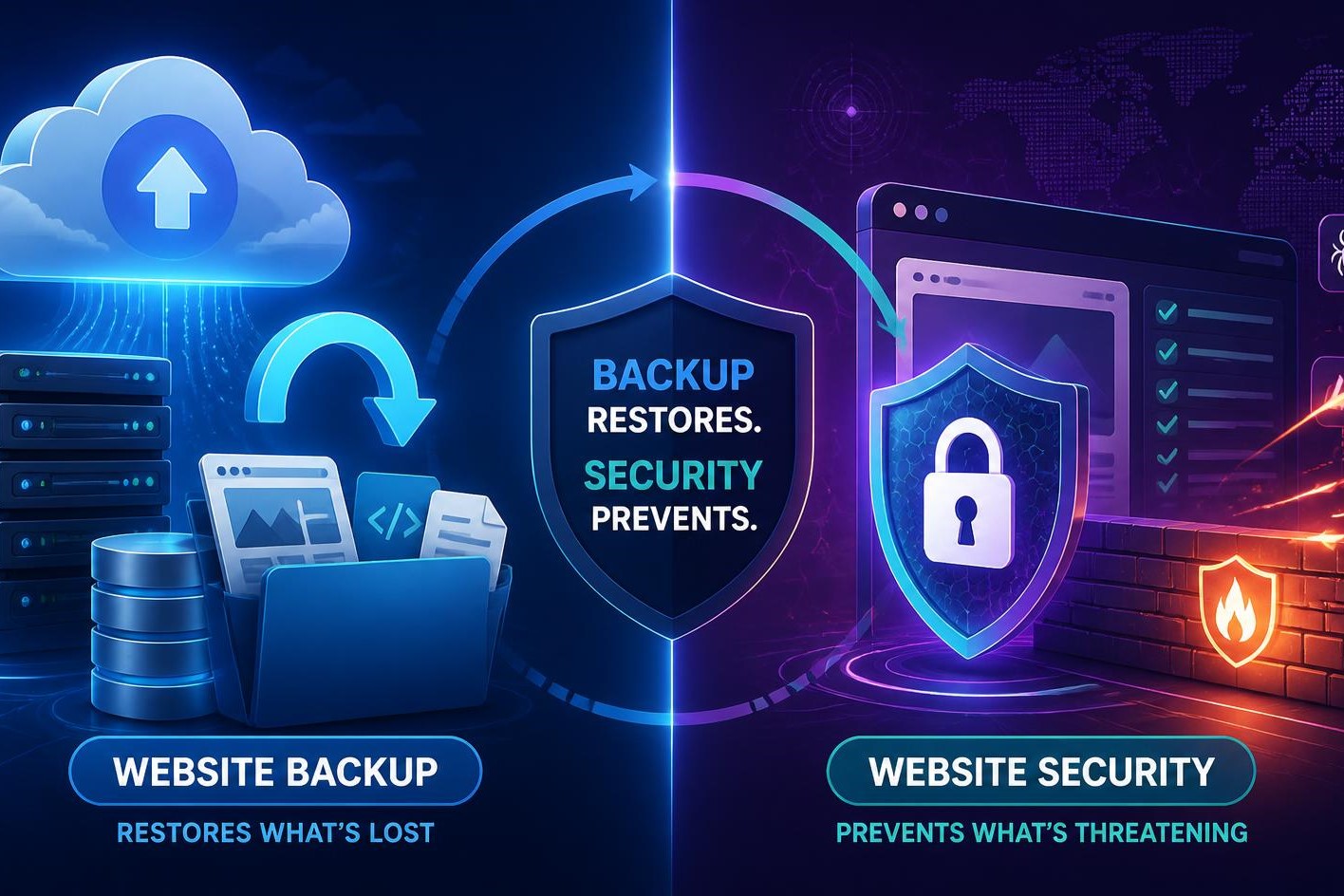
Although they are closely related, they serve different purposes. Website security helps prevent problems such as hacking, malware, unauthorized access and other attacks. Website backup gives you a way to recover your website if something goes wrong.
So, which one do you need?
The answer is simple: you need both website backup and website security.
Security helps protect your website from threats, while backups provide a recovery option when prevention is not enough.
What is Website Security?
Website security refers to the technologies, tools and practices used to protect a website from cyber threats, unauthorized access and other security risks.
A secure website should be protected against common threats such as:
- Malware
- Hacking attempts
- Brute-force attacks
- Unauthorized logins
- Malicious code
- Vulnerable plugins and software
- Data theft
- Spam and malicious submissions
- Website defacement
- Server-level attacks
Website security is primarily focused on prevention and protection.
For example, a security system may detect a suspicious login attempt and block it before an attacker gains access to your website.
For businesses, website protection should be treated as an ongoing process rather than a one-time task.
What is a Website Backup?
A website backup is a separate copy of your website’s important files and data that can be restored if the original website is damaged, deleted, hacked, or otherwise unavailable.
Depending on your website, a backup may include:
- Website files
- Images
- Documents
- Themes
- Plugins
- Database
- Product information
- Customer-related website data
- Configuration files
If your website experiences a serious problem, a backup can allow you to restore an earlier working version.
This makes website backup and recovery an important part of business continuity.
Website Backup vs Website Security
The easiest way to understand the difference is to think of your website as a physical business location.
Website security is like locks, alarms, cameras and security procedures.
Website backup is like keeping a secure copy of your important documents somewhere else.
The security measures help stop problems from happening, while the backup gives you a recovery option if something does happen.
- Website Security Website Backup
- Focuses on prevention Focuses on recovery
- Helps block attacks Helps restore lost data
- Detects suspicious activity Provides copies of website data
- Protects against malware Helps recover after malware
- Secures user accounts Restores damaged files
- Reduces security risks Reduces data-loss risks
Neither one is a complete replacement for the other.
Why Website Security Alone Is Not Enough
You may have strong security tools installed, but no security system can guarantee that your website will never experience a problem.
A website could still be affected by:
- A compromised administrator account
- A vulnerable plugin
- A software update failure
- Accidental deletion
- Server problems
- Human error
- Malware
- Database corruption
- Hosting-related issues
For example, imagine that an administrator accidentally deletes important website files.
Your security system may not consider this an attack because the deletion was performed by an authorized user.
Without a reliable website backup, recovering the lost information could be difficult.
This is why backup should be considered an essential part of your overall website management strategy.
Why Website Backup Alone Is Not Enough?
Having a backup doesn’t mean your website is protected.
Suppose your website gets infected with malware. You may have a backup from several months ago, but restoring it could mean losing recent orders, customer information, blog posts or other updates.
Worse, if your backup is stored on the same server as your website, an incident affecting that server could potentially affect both the live website and the backup.
That’s why businesses need both website security and a reliable backup strategy.
Security reduces the likelihood of an incident, while backups reduce the impact when something goes wrong.
The Importance of Malware Protection
Malware protection is an important part of website security.
Malware is malicious software or code that can compromise your website and potentially affect visitors, administrators or connected systems.
A compromised website may experience:
- Unexpected redirects
- Suspicious pop-ups
- Unauthorized content
- Spam pages
- Slow performance
- Browser security warnings
- Unauthorized administrator accounts
- Damaged website files
Effective website malware protection can help detect suspicious activity and identify potentially harmful files.
However, if malware does get through your security defenses, having a clean and reliable backup can make recovery much easier.
WordPress Backup and Security
WordPress websites require particular attention because they commonly use themes, plugins and third-party integrations.
If you operate a WordPress website, WordPress backup should be part of your regular maintenance routine.
Your WordPress backup strategy should ideally cover:
- WordPress core files
- Themes
- Plugins
- Media uploads
- Website database
- Configuration information
At the same time, WordPress security should include keeping WordPress, themes and plugins updated and using strong authentication and reputable security tools.
Outdated software can introduce vulnerabilities, so regular updates are an important part of website protection.
How Often Should You Back Up Your Website?
The ideal backup frequency depends on how frequently your website changes.
A website that rarely changes may not require the same backup frequency as an ecommerce store.
For example:
- Static business website: Weekly or scheduled backups may be suitable depending on how frequently content changes.
- Business website with regular updates: More frequent backups can reduce potential data loss.
- Ecommerce website: Daily or more frequent backups may be appropriate because orders, customer information and product changes can happen continuously.
The key principle is simple:
The more frequently your website changes, the more frequently you should consider backing it up.
Keep Multiple Backup Versions
A single backup is better than no backup, but maintaining multiple backup versions provides additional protection.
For example, you might maintain:
- Recent backup
- Previous backup
- Weekly backup
- Monthly backup
This can be particularly useful if you discover that a problem existed before your most recent backup.
Imagine your website became infected with malware three days ago, but you only noticed today. Restoring today’s backup might restore the infected website.
Having older backup versions gives you more recovery options.
Store Backups Separately
One of the most important principles of website backup security is to avoid relying entirely on the same environment where your website is hosted.
If your website and backup are stored together and the hosting environment experiences a serious issue, both could potentially become unavailable.
Consider using an independent backup location or cloud storage where appropriate.
This creates greater separation between your live website and your recovery data.
Test Your Website Backups
A backup is only useful if it can actually be restored.
Businesses sometimes create automated backups but never test whether those backups work correctly.
Regular backup testing can help identify problems such as:
- Incomplete backups
- Corrupted files
- Missing databases
- Incorrect backup configurations
- Failed restoration processes
A periodic restoration test can give you greater confidence that your recovery plan will work when you actually need it.
Website Security Best Practices
A strong website security strategy should include several layers of protection.
Use Strong Passwords
Avoid simple passwords and never reuse important passwords across multiple accounts.
Enable Two-Factor Authentication
Two-factor authentication adds a verification step when users log in.
Keep Software Updated
Update your CMS, plugins, themes, and other software regularly.
Use SSL
An SSL certificate encrypts information transmitted between the visitor and your website and enables HTTPS.
Limit User Access
Only provide users with the permissions they actually need.
Use Security Monitoring
Regular monitoring can help identify suspicious activity and potential vulnerabilities.
Protect Your Hosting Account
Your hosting account should also have strong passwords and appropriate security controls because hosting access can provide extensive control over your website.
What is a Website Firewall and Why Do You Need One?
Final Thoughts
Website Backup vs Website Security isn’t an either-or decision. You need both.
Website security helps prevent hacking, malware, unauthorized access, and other threats. Website backup provides a recovery option when your website is damaged, compromised, accidentally changed or affected by technical problems.
For businesses, relying on only one of these protections creates an unnecessary risk.
A strong strategy combines website security, malware protection, regular website backup, backup testing, and disaster recovery planning.
Whether you operate a WordPress blog, business website, online store or a larger digital platform, protecting your website should be an ongoing priority.
Your website represents your business online. When you compare Website Backup vs Website Security, the real answer is that investing in both protection and reliable backups can help keep your data safer, reduce downtime, and give you greater confidence that your website can recover when something unexpected happens.