

- By admin
- August 21, 2026
- Comment Off
Your website may be one of the most valuable assets your business owns. Website Backups help protect it while it generates leads, processes orders, showcases your services, collects customer enquiries, publishes important information, and connects your company with its audience.
But what happens if your website suddenly stops working?
A server failure, hacking attempt, accidental deletion, software conflict, or simple human error can cause serious problems. In some cases, businesses can lose important website files, databases, customer information, product details, images, and content within minutes.
This is why website backups are so important.
A reliable backup gives you a way to restore your website when something goes wrong. It can mean the difference between getting your website back online quickly and spending days—or even weeks—trying to rebuild it.
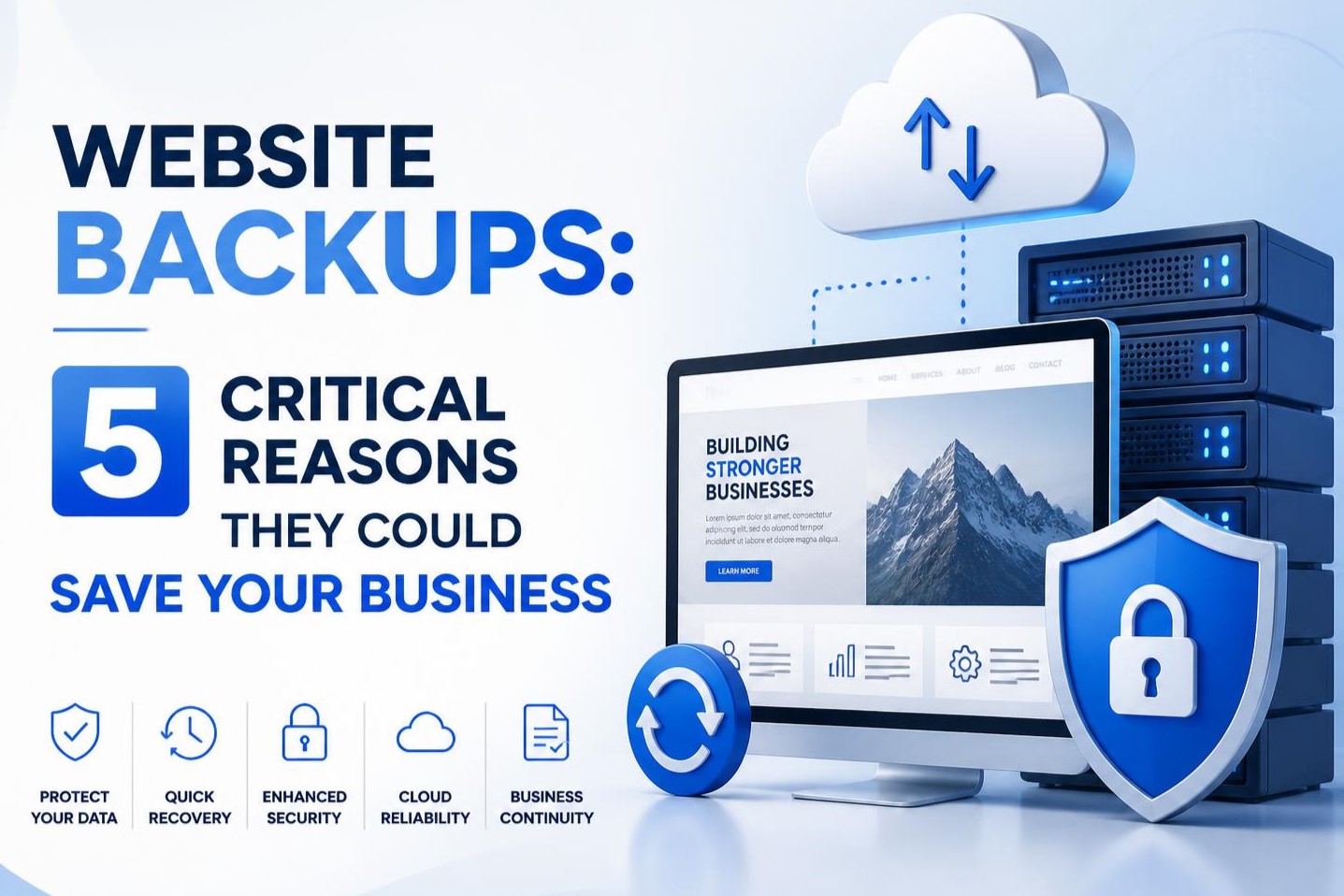
In this guide, we’ll look at 5 critical reasons website backups could save your business, along with practical tips for creating a reliable website backup strategy.
What is a Website Backup?
A website backup is a copy of your website’s important files and data that is stored separately from the live website.
Depending on how your website is built, a backup may include:
- Website files
- Images and media
- Databases
- Themes
- Plugins
- Website configurations
- Customer information
- Product information
- Blog posts and pages
- Website settings
For a WordPress website, for example, a complete backup should generally include both the WordPress files and database.
Having a backup means you have another copy of your website that can potentially be restored if the live version is damaged, deleted, compromised, or otherwise unavailable.
However, simply having a backup isn’t enough. Your backups should be regular, secure, tested, and stored independently from your main website.
1. Website Backups Protect You From Hacking and Malware
Cyberattacks are one of the biggest reasons businesses need reliable website backups.
Websites can be targeted by hackers looking to inject malicious code, steal information, redirect visitors, install malware, or take control of administrative accounts.
For WordPress websites, outdated plugins, themes, WordPress versions, weak passwords, and poorly configured security can increase the risk of compromise.
Even with strong website security, no website is completely immune to attacks.
If your website is hacked, you may need to remove malicious files and restore clean versions of your website. Without a recent backup, recovering the site can become much more complicated.
A clean backup can give you a reliable recovery point.
For example, imagine your website was working perfectly on Monday, but on Wednesday you discovered that it had been compromised. If you have a clean backup from Monday, you may be able to restore the website to that earlier version and then address the security vulnerability that caused the problem.
This is why website backup and security should be treated as connected parts of your overall website maintenance strategy.
Important tip:
Don’t assume that your hosting provider’s backup system is your only line of defense. Maintaining an independent backup can provide an additional layer of protection.
2. Backups Protect Your Business From Human Error
Not every website disaster is caused by hackers.
Sometimes the problem is simply an accidental click.
Someone may accidentally delete an important page, overwrite website files, remove a database table, change a configuration, or install something that causes the website to stop functioning properly.
This can happen to anyone.
For example, a website administrator might install a new WordPress plugin that conflicts with the existing theme. Suddenly, the website displays an error or stops loading correctly.
Without a backup, you may have to spend hours identifying and reversing the changes.
With a recent backup, you have another option: restore the website to the version that was working before the problem occurred.
This is one of the most practical benefits of automatic website backups.
Instead of worrying about whether someone remembers to manually back up the site, an automated system can create backups according to a predetermined schedule.
3. Website Backups Reduce Downtime
For many businesses, every minute that a website is unavailable can have consequences.
If customers can’t access your website, they may be unable to:
- Contact your business
- Purchase products
- Book appointments
- Submit enquiries
- Access important information
- Complete payments
- View your services
For an ecommerce business, downtime can be especially costly.
A website problem that takes several hours to fix can result in lost sales and frustrated customers.
A reliable website backup and restore process can significantly simplify recovery when something goes wrong.
Instead of rebuilding a website from scratch, you can potentially restore a previous working version.
The exact recovery time depends on your hosting environment, website size, backup system, and the nature of the problem. But having a backup generally puts you in a much stronger position than having no recovery option at all.
Need a website hosting for business? Get in Touch!
4. Backups Protect Years of Business Content
Think about how much information you’ve accumulated on your website.
You may have spent years creating:
- Blog articles
- Service pages
- Product descriptions
- Images
- Videos
- Landing pages
- Customer resources
- Case studies
- Testimonials
- Contact forms
- SEO content
Recreating all of this from scratch could take an enormous amount of time.
For businesses that have invested heavily in content marketing and SEO, losing website content can be particularly damaging.
Imagine spending three years building a library of useful blog posts and ranking pages, only to lose them because of a server failure or serious website issue.
A backup can preserve that investment.
This doesn’t mean backups replace other SEO practices. Search engine rankings can change after major website disruptions, and restoring a website does not automatically restore its previous search visibility.
However, protecting your website’s content gives you a much better chance of recovering from a technical disaster without starting over.
5. Backups Give Your Business Peace of Mind
Perhaps the biggest benefit of a reliable backup strategy is simple: you know you have a recovery option.
- Website problems can happen unexpectedly.
- A server can fail.
- A plugin can break your website.
- A developer can accidentally delete something.
- A hacker can compromise your site.
- A hosting account can experience technical problems.
When you have a recent, working backup stored securely, these situations become recovery challenges rather than complete disasters.
This is especially important for small businesses that may not have a dedicated IT department.
A good website backup solution gives business owners confidence that their website can be recovered if something goes wrong.
How Often Should You Back Up Your Website?
There isn’t one backup schedule that works for every website.
The right frequency depends on how often your website changes.
Static business website: If your website rarely changes, a weekly or monthly backup may be sufficient for some businesses, although more frequent backups can provide better protection.
Business website with regular updates: If you’re regularly publishing blog posts, updating pages, or adding content, consider more frequent backups.
Ecommerce website: Online stores often need more frequent backups because orders, customers, products, and other information can change throughout the day.
High-traffic website: Websites that generate significant revenue or handle large amounts of customer activity should generally have a more robust backup and disaster recovery strategy.
The key principle is simple:
The more frequently your website changes, the more frequently you should consider backing it up.
Final Thoughts
Your website is more than a collection of pages. For many businesses, it represents years of work, content, branding, customer relationships, and revenue opportunities.
That’s why website backups should be considered an essential part of your digital business strategy.
A reliable backup can help protect your business from hacking, malware, accidental mistakes, server failures, website errors, and data loss. More importantly, it gives you a practical way to recover when something goes wrong.
The best backup strategy is one that is regular, automated, secure, stored off-site, and tested periodically.
You don’t have to wait until your website breaks to think about backups.
Set up a reliable website backup solution now, and you’ll have one less thing to worry about when an unexpected problem occurs.