

- By admin
- August 21, 2026
- Comment Off
Transferring a domain to a new provider can seem complicated, especially if you have never moved a website domain before. However, a domain transfer is usually a straightforward process when you prepare everything correctly.
Whether you are moving because of better pricing, improved support, easier domain management, or additional features, knowing how to transfer a domain to a new provider can help you avoid unnecessary downtime and delays.
In this guide, we explain the complete domain transfer process, what you need before starting, how to transfer your domain name, and the common mistakes you should avoid.
What is a Domain Transfer?
A domain transfer means moving the management of your domain name from one domain registrar to another.
For example, if your domain is currently registered with Provider A and you want Provider B to manage it, you can initiate a domain name transfer.
It is important to understand that transferring a domain does not automatically move your website files or hosting account. Your website hosting and domain registration are separate services.
You can transfer a domain while keeping your existing website hosted with the same hosting provider.
Why Transfer a Domain to a New Provider?
There are several reasons why a business or website owner may want to transfer a domain.
Better Domain Pricing
Some providers offer more competitive domain registration and renewal prices. Always check the renewal price rather than looking only at introductory offers.
Better Customer Support
If your current provider offers slow or limited support, moving to a registrar with better customer service can make domain management easier.
Easier Domain Management
A modern domain registrar may provide a simpler dashboard for managing DNS records, nameservers, renewals, domain privacy, and other settings.
More Domain Features
Some providers offer additional tools such as domain privacy, DNS management, security features, automatic renewal, and easier integration with hosting and email services.
Managing Domains in One Place
If you own multiple business domains, transferring them to one trusted provider can make renewals, DNS settings, and domain administration easier to manage.
.Com vs .net vs .org: Which Domain Extension Should You Choose?
What You Need Before Starting a Domain Transfer
Before learning how to transfer a domain, prepare the following information.
1. Make Sure You Own the Domain
You should have access to the account where the domain is currently registered. Make sure your contact information and account details are correct.
2. Check the Domain Transfer Eligibility
Not every domain can be transferred immediately. A recently registered or recently transferred domain may be subject to transfer restrictions depending on the domain extension and applicable registrar rules.
3. Unlock the Domain
Many registrars place a domain lock on domains to prevent unauthorized transfers.
Before starting the transfer, you generally need to disable the transfer lock through your current registrar’s dashboard.
This setting may be called:
- Domain Lock
- Registrar Lock
- Transfer Lock
- Domain Transfer Lock
4. Get the Authorization Code
You will usually need an EPP code, also known as an authorization code or transfer code, from your existing registrar.
This code confirms that you are authorized to transfer the domain.
Keep it secure and only provide it to the new registrar through its official transfer process.
5. Check Your Domain Contact Information
Make sure your administrative email address is accessible. Transfer notifications and confirmation messages may be sent to the registered contact or account email.
Domain Name: 6 Things to Check Before Buying One
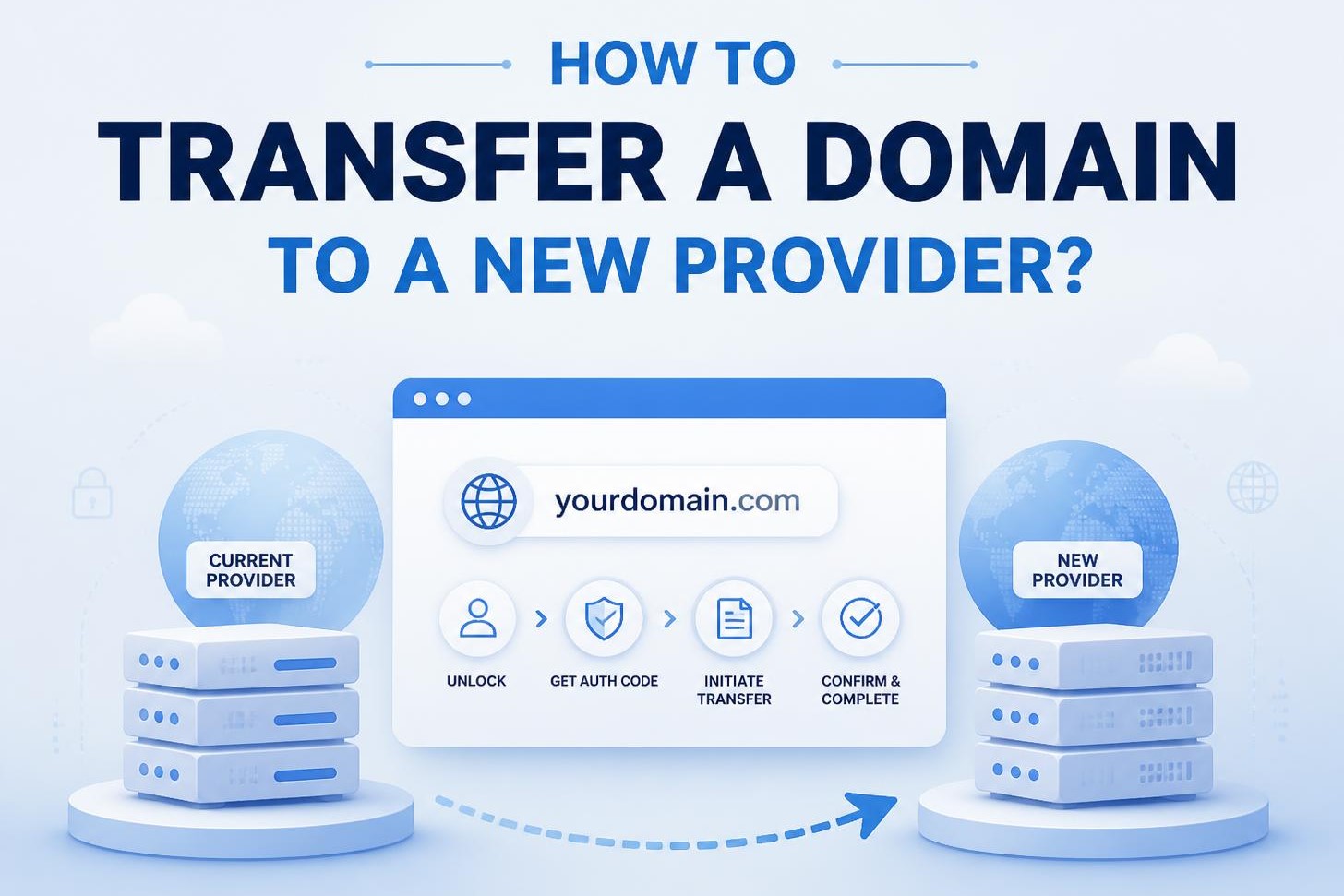
How to Transfer a Domain to a New Provider?
Once everything is ready, you can begin the transfer.
Step 1: Choose a New Domain Provider
Start by selecting a reliable domain provider or registrar.
When comparing providers, consider:
- Domain registration pricing
- Renewal pricing
- Customer support
- DNS management
- Domain security
- Privacy options
- Automatic renewal
- Transfer fees
- Control panel features
- Available domain extensions
Don’t choose a registrar based only on the lowest first-year price. Long-term pricing and service quality are equally important.
Step 2: Check Your Domain Status
Log in to your existing registrar and check whether your domain is eligible for transfer.
Make sure the domain isn’t locked and that there are no unresolved issues preventing the transfer.
Step 3: Unlock Your Domain
Find the domain security or transfer settings in your existing account and disable the domain transfer lock.
This allows another registrar to request the transfer.
Step 4: Request the EPP Authorization Code
Request your EPP authorization code from the current registrar.
Depending on the provider, you may be able to view it immediately in your account or request it through customer support.
Step 5: Start the Domain Transfer
Go to your new registrar and look for an option such as Transfer Domain, Domain Transfer, or Transfer a Domain Name.
Enter the domain you want to transfer and provide the authorization code when requested.
The new registrar may also ask you to confirm your contact details and purchase a transfer service.
Step 6: Confirm the Transfer
Depending on the registrar and domain extension, you may receive a confirmation email.
Follow the instructions carefully and confirm the transfer if required.
After confirmation, the registrars will process the request.
Step 7: Wait for the Transfer to Complete
A domain transfer is not always instant.
The exact time can vary depending on the domain extension, current registrar, new registrar, and whether you manually approve the transfer.
You can normally monitor the transfer status through your new registrar’s dashboard.
Does Transferring a Domain Affect Your Website?
One of the biggest concerns people have is whether a domain transfer will make their website go offline.
Normally, transferring the registration of a domain does not automatically move or delete your website.
Your website files remain with your hosting provider.
However, you should be careful with your DNS settings and nameservers.
If the nameservers remain correctly configured, your website and email services can continue operating normally during the transfer.
This is why it is important to record your existing DNS settings before making significant changes.
How to Make Your Domain Transfer Easier?
A little preparation can make the process much smoother.
Before starting your transfer:
- Back up important website information.
- Record your DNS settings.
- Check your domain expiry date.
- Verify your account and contact information.
- Unlock the domain.
- Obtain the EPP authorization code.
- Choose a reputable domain registrar.
- Keep access to your existing registrar account.
- Monitor your email during the transfer.
- Check your website and email after completion.
If you manage multiple domains, keeping a simple record of domain names, renewal dates, registrars, DNS providers, and account ownership can make future domain management much easier.
Final Thoughts
Knowing how to transfer a domain to a new provider makes it easier to move your domain without unnecessary disruption. The key is preparation: check eligibility, unlock the domain, obtain the authorization code, choose a reliable registrar, and carefully review your DNS and email settings.
Remember that your domain name, website hosting, DNS, and business email are separate components that work together. Understanding how they connect will help you manage your online presence more confidently.
Whether you’re moving for better pricing, improved support, stronger security, or easier domain management, a carefully planned domain name transfer can be a simple and worthwhile process.
Frequently Asked Questions
How long does a domain transfer take?
The time varies depending on the domain extension and registrars involved. Some transfers can complete quickly, while others may take several days.
Can I transfer a domain if it is locked?
Generally, you need to unlock the domain before transferring it. Check your current registrar’s transfer settings.
Will my website go down during a domain transfer?
A domain registration transfer does not normally move your website hosting. If DNS settings remain correct, your website can continue operating during the transfer.
Do I need an EPP code to transfer a domain?
For many common domain extensions, an EPP or authorization code is required. Requirements can vary by extension.
Can I transfer my domain without changing hosting?
Yes. You can move your domain to a new registrar while continuing to use your existing hosting provider.
Does transferring a domain change the domain name?
No. A domain transfer changes the registrar managing the domain, not the domain name itself.